
how to paint a watercolor mandala in procreate
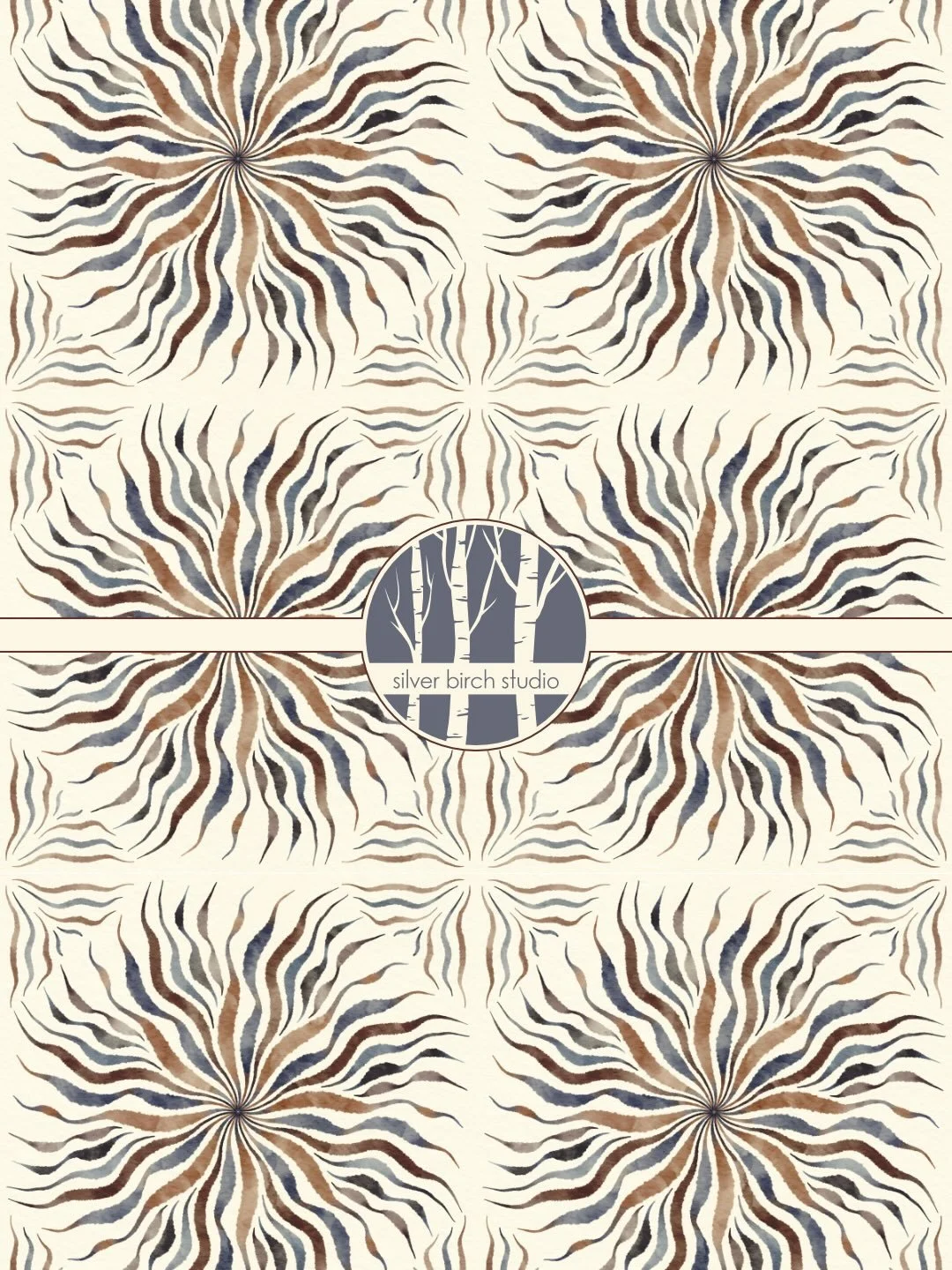
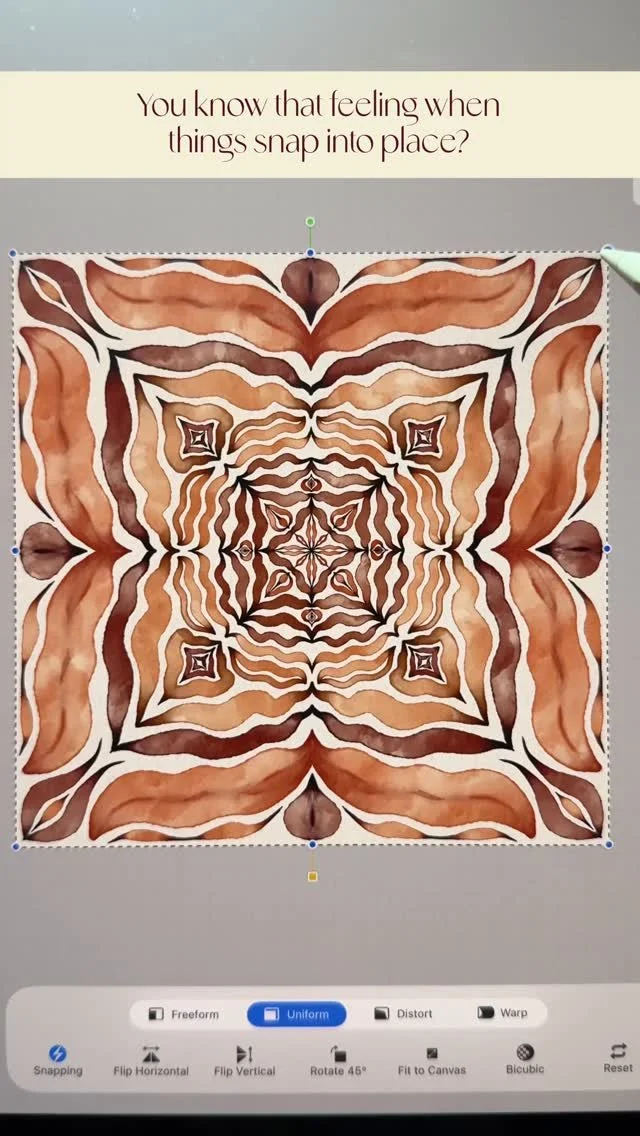
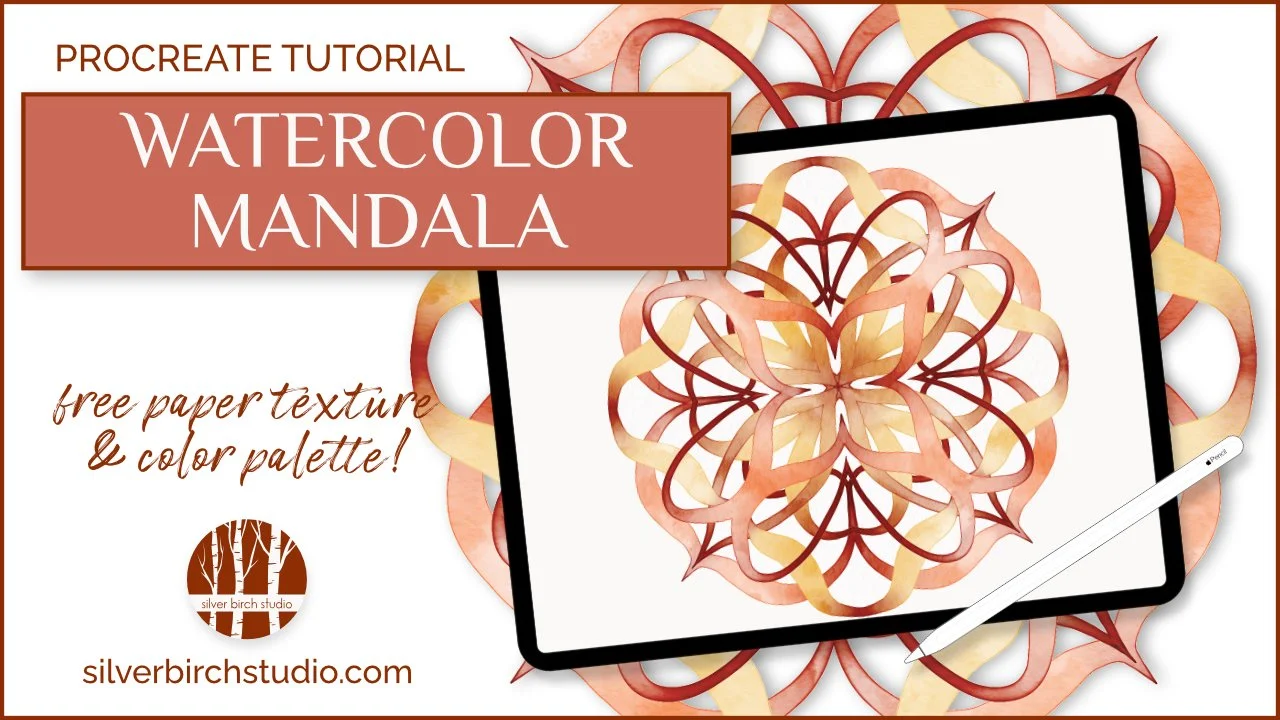
Mandalas are fun to create, but if they have always seemed a bit too complicated, this Procreate tutorial is for you. The video shows you how to set up and use the symmetry tool to help you create an impressive watercolor mandala very quickly even if you’ve never made one before. There is also a free paper texture and color palette included in the Birch Grove that goes along with this video - the sign up is below.
Key Points in this Procreate Watercolor Mandala Tutorial:
The symmetry tool in Procreate is just what you need to create beautiful art quickly
Adjust the thickness and opacity of the drawing guide lines to be more or less visible depending on your preferences
Using a DuoColor brush, such as the ones in the Watercolor Magic brush pack, will give you more variety and interest, and will enhance the final effect — the free color palette that goes with this tutorial gives you several DuoColor pairings
Any watercolor brush will work for creating mandalas, but definitely choose on with pressure sensitivity for size, like the DuoColor Smooth Blooms brush used in the demonstration, for best results
The effect of the repeat and the symmetry makes almost any marks you paint on the canvas look pleasing to the eye, but experiment to see what you like best
Use the Procreate liquify tool to fine tune any strokes or shapes that you’re not happy with, and the symmetry tool will ensure any corrections happen in all the sections you’ve laid out
Duplicating, rotating, and resizing layers will give you variation without painting everything from scratch
Leave the layers translucent and showing through if you like, but you can also use the technique shown in the tutorial to make each layer opaque — either way, you can rearrange the layers to create the mandala that you like best
Keeping the Mandala Design Zen and Flowing:
I find I get the best results with these digital art mandalas if I try to keep them “zen” and flowing, so I suggest working in layers (always work in layers in Procreate!) because that way, if one attempt doesn’t look right, you don’t have to go back umpteen steps in history, or delete the entire thing. Try to let your hand take over, and don’t overthink it too much. When you paint something that really pleases your eye, feel free to duplicate it, rotate it, resize it, what ever works for your design. You could also change the saturation, brightness, or even the hue to introduce more variation.
Choosing a Watercolor Procreate Brush to Paint a Mandala:
The best brush to use for this project is the one that feels best to you when you use it. If you would like to use a brush that comes with Procreate, I would suggest the Tansy brush in the latest version of the app, or the one called Watercolor in the Classic Brush Library. These brushes both have a nice watercolor look, and some size sensitivity. If you would like to use the same DuoColor Smooth Blooms brush I did during the video, you will find it in the Watercolor Magic set:

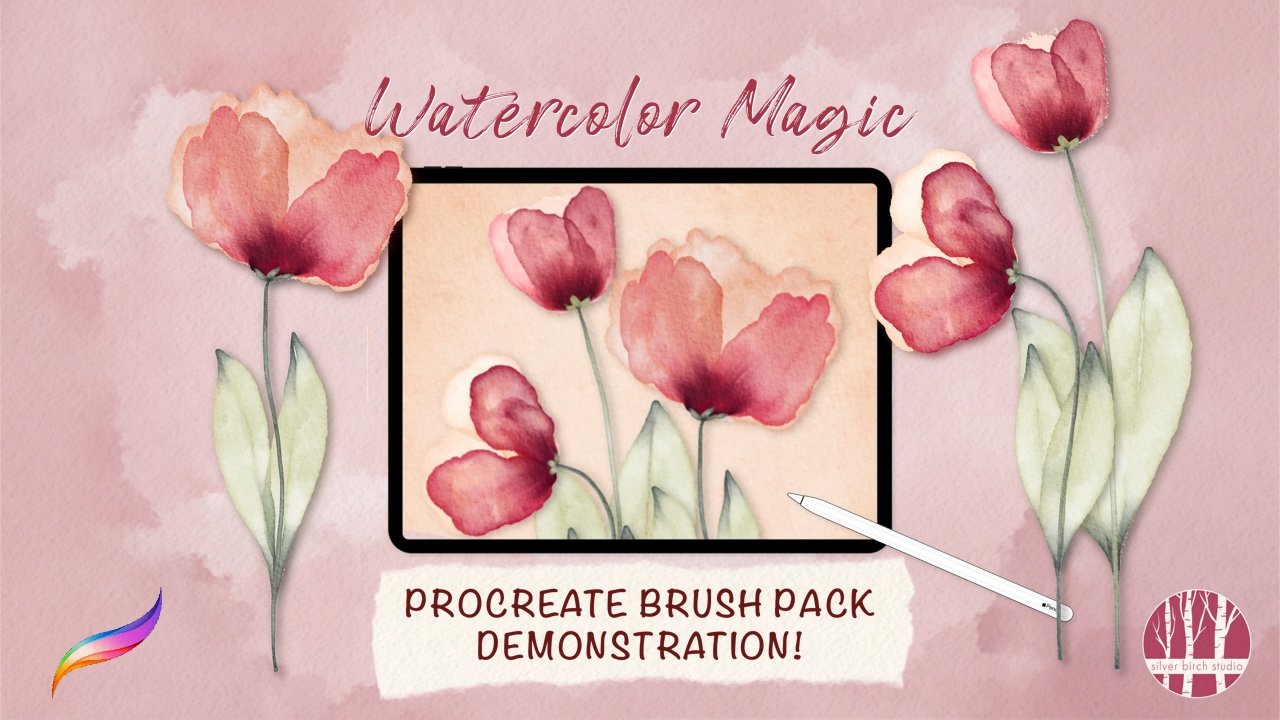
Watercolor Magic
The Watercolor Magic Procreate painting kit has everything you need to create beautiful, realistic watercolor digital art on your iPad with your Apple pencil, including:
• 36 magical brushes in total
• 24 watercolor brushes, including 11 DuoColor brushes
• 6 watercolor blending brushes to achieve exactly the look you want
• 5 extra brushes for paint splatters, backgrounds, and a textured sketching pencil created especially to work with watercolor papers
• 6 color palettes created to help you make the most of the DuoColor brushes
• 5 different watercolor paper textures, set up in ready-to-use Procreate canvases - just copy, open, and paint
How to Get the Free Procreate Resources:
I send out all kinds of free Procreate goodies often, including free brushes, paper textures, color palettes, and more, and all you need to do is sign up for the Birch Grove, my insider’s all access pass. No spam, just creative resources I actually use in my own work. It’s a great way to try out some of my brushes for free. Details below:
do you like free stuff?
more procreate tips, tricks and tutorials you might enjoy:



the latest on the ‘gram…